Blog
How Do You Fix a Google Business Profile Suspension?
Published November 11, 2026 - 247 Digital Marketing Agency
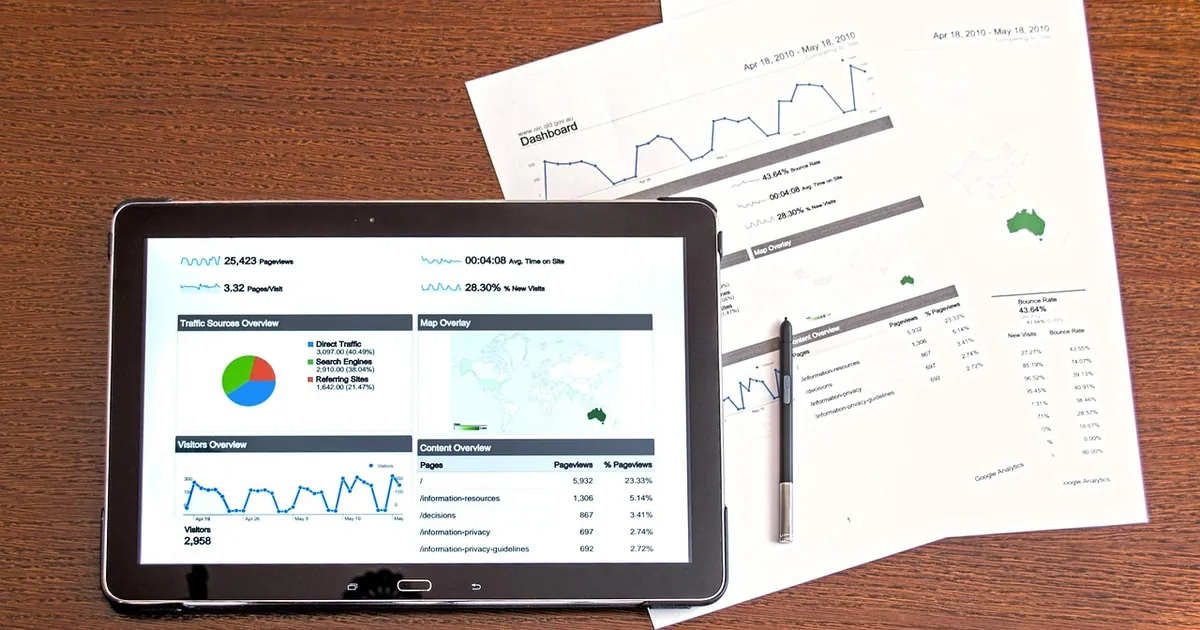
To fix a Google Business Profile suspension, identify which Google guideline your listing broke, correct the problem, and submit one reinstatement request with proof that your business is real. Common culprits are name, address, and category issues. 247 Digital Marketing Agency helps local businesses work through this process methodically and keep their listings compliant. See our Web Development for options that fit this workflow.
Why do profiles get suspended?
Profiles get suspended when Google believes a listing breaks its guidelines. The most common triggers are a business name that includes extra keywords, an address that is not a real storefront or service base, a misleading category, or inconsistent details across your website and listings. Sometimes a suspension follows edits, or a failed verification.
Look for these frequent causes before you do anything else:
- Keyword-stuffed names: adding services or cities to your business name that are not part of your legal or signage name.
- Ineligible addresses: P.O. boxes, virtual offices, mailbox stores, or shared spaces where your business is not staffed.
- Wrong or misleading categories: a primary category that does not match what you actually do.
- Inconsistent information: a name, address, or phone number that differs between your profile, website, and other listings.
- Failed or skipped verification: Google could not confirm that you operate at the location you listed.
- Prohibited or duplicate listings: more than one profile for the same business at the same location.
Google does not always tell you exactly which rule triggered the suspension, so you may have to audit the profile against the published guidelines.
How do you request reinstatement?
Start by fixing every guideline issue on the profile, then file a reinstatement request through Google's appeal form. Include evidence that your business is real and operates where you say it does. Do not submit repeated requests while one is pending, since duplicate submissions can slow the review.
Work through the process in this order:
- Read the notice. Note whether the profile is suspended or only disabled or unverified, since the fix differs.
- Audit against Google's guidelines. Check name, address, service area, category, hours, and website.
- Correct the problems first. Make your name match your real-world signage and legal name, and use an eligible address.
- Gather proof of the business. Useful evidence typically includes a business license, a utility bill or lease showing the address, photos of your storefront signage, and photos of branded vehicles or equipment for service businesses.
- Submit one reinstatement request. Use the appeal option linked from your profile, and keep your documents consistent with what the profile shows.
- Wait and monitor. Review times vary, so check your email and the profile status rather than resubmitting.
If verification is the sticking point, complete it again once the profile is reinstated.
| Check before appealing | What to confirm |
|---|---|
| Business name | Matches your signage and legal name, with no added keywords or locations |
| Address | A real, eligible location, not a P.O. box or unstaffed virtual office |
| Service area | Set only for areas you genuinely serve, if you hide your address |
| Primary category | Describes what you mainly do, not a broader or unrelated option |
| Website and phone | Working, and consistent with other listings |
| Hours | Accurate and staffed during the times listed |
| Evidence | License, lease or utility bill, signage and vehicle photos ready to upload |
| Duplicates | No second profile for the same business and location |
How do you avoid future suspensions?
Keep your profile aligned with Google's guidelines and your real-world business. Use your actual business name, an eligible address, accurate categories, and consistent details everywhere you are listed. Review edits before saving them, and limit who can change the profile so well-meaning team members do not trigger problems.
Build a few habits into your local SEO routine:
- Document your eligibility. Keep your license, lease, and signage photos in one folder so a future appeal goes faster.
- Control access. Make sure you own the profile and know who has manager or owner rights.
- Avoid risky edits. Major changes to name, address, or category can trigger re-review, so make them deliberately and one at a time.
- Keep listings consistent. Match your name, address, and phone number across your website, directories, and social profiles.
- Watch for duplicates and spam edits. Competitors or users can suggest changes, so check your profile regularly.
- Follow the guidelines when you move or rebrand. Update the profile and website together and be ready to re-verify.
What should you check before you file the appeal?
Check that every detail on the profile matches your real business and that your evidence supports it. A single leftover problem, such as a keyword-stuffed name or an ineligible address, can get an appeal rejected. Use the checklist below to confirm you are ready before you submit.
Work through each row of the table below before you submit. If any row fails, fix it first and only then file your single appeal.
How 247 Digital Marketing Agency handles this
We start with a full audit of your profile against Google's published guidelines, so we can pinpoint what likely triggered the suspension. Then we help you correct the name, address, category, and website details, organize your proof of business, and prepare one clean reinstatement request. We do not promise a specific outcome or timeline, because Google controls the review. Once the listing is back, we help you set up consistent local listings and simple editing rules so the same problem does not return.
Frequently asked questions
How long does Google Business Profile reinstatement take?
Review times vary and Google does not publish a firm timeline. Some appeals resolve in a few days, while others take longer. Avoid resubmitting repeatedly, and monitor your email and profile status for updates.
Is a suspended profile the same as an unverified one?
No. A suspended profile has been flagged for a guideline issue and may be hidden from search. An unverified profile simply has not completed verification. The fixes differ, so read the notice on your profile first.
Can I create a new profile instead of appealing?
Creating a new profile for the same business can create a duplicate and may cause another suspension. It is generally better to correct the problem and appeal the existing profile.
Will a suspension hurt my local SEO?
Yes, while the profile is suspended it may not appear in Maps or local results, so you can lose calls and visibility. Reinstatement restores the listing, but rankings may take time to recover.
Related reading: How Can a Business Get More Google Reviews?.
Dealing with a suspended listing or building a local SEO program that holds up? Email hello@247digitalmarketingagency.com or request a strategy call, and we will review your profile and plan the next steps. You can also explore our digital marketing services.
247 Digital Marketing Agency · 247digitalmarketingagency.com
Ready to grow with 247 Digital Marketing Agency?
Talk with the 247 Digital Marketing Agency team about SEO, ads, web, and CRO sequenced to pipeline.
Schedule a Call